Mobile app
Your station, in your pocket
Petro Owner is the Petro app for owners and station managers. Sales, collections, profit and approvals, live from the same books your office runs on.
What you can do
The numbers you ask for, before you ask
Real screens from the app, shown with a demo station's figures.
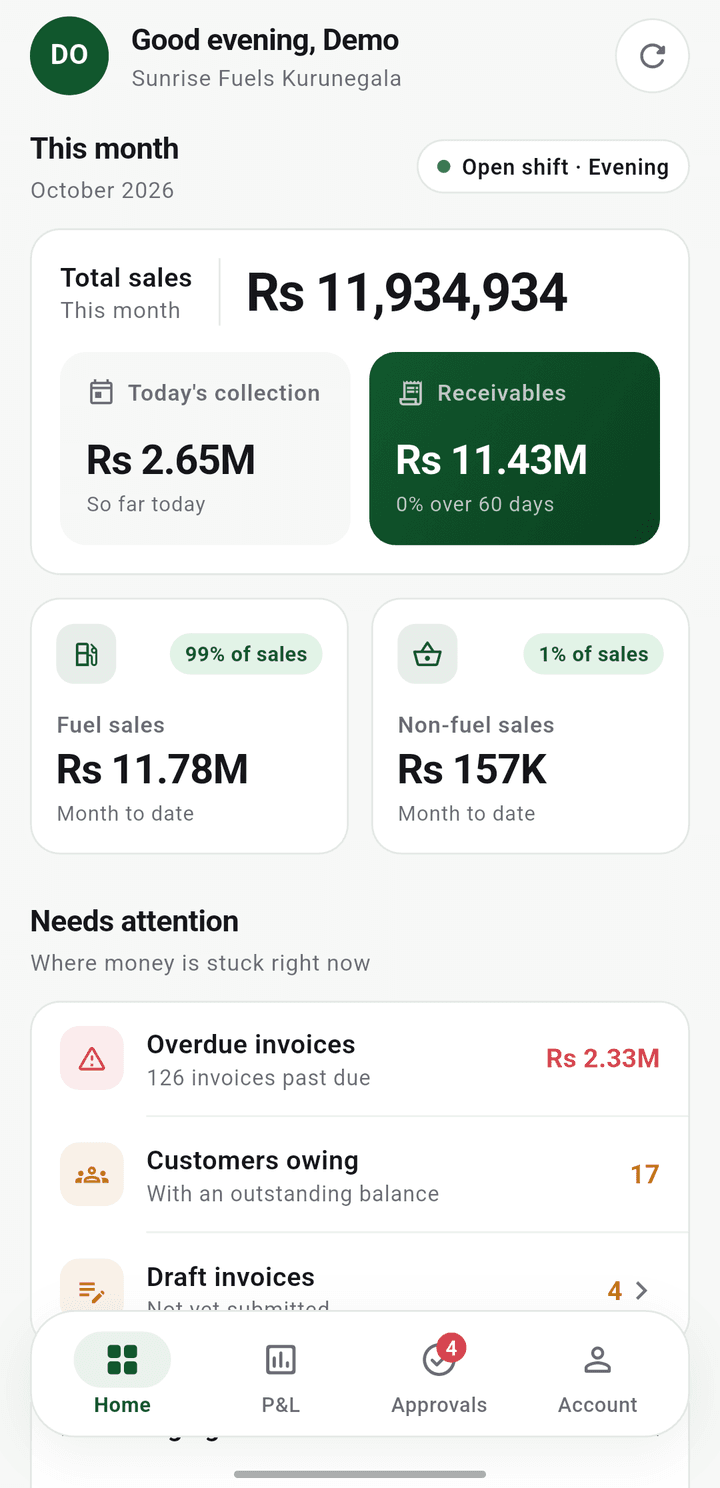
Today, at a glance
Open the app and the station is in front of you: this month's sales, what has been collected today, and which shift is running.
- Sales for the month, fuel and non-fuel
- Today's collection and what customers owe
- Overdue invoices and cash and bank balances
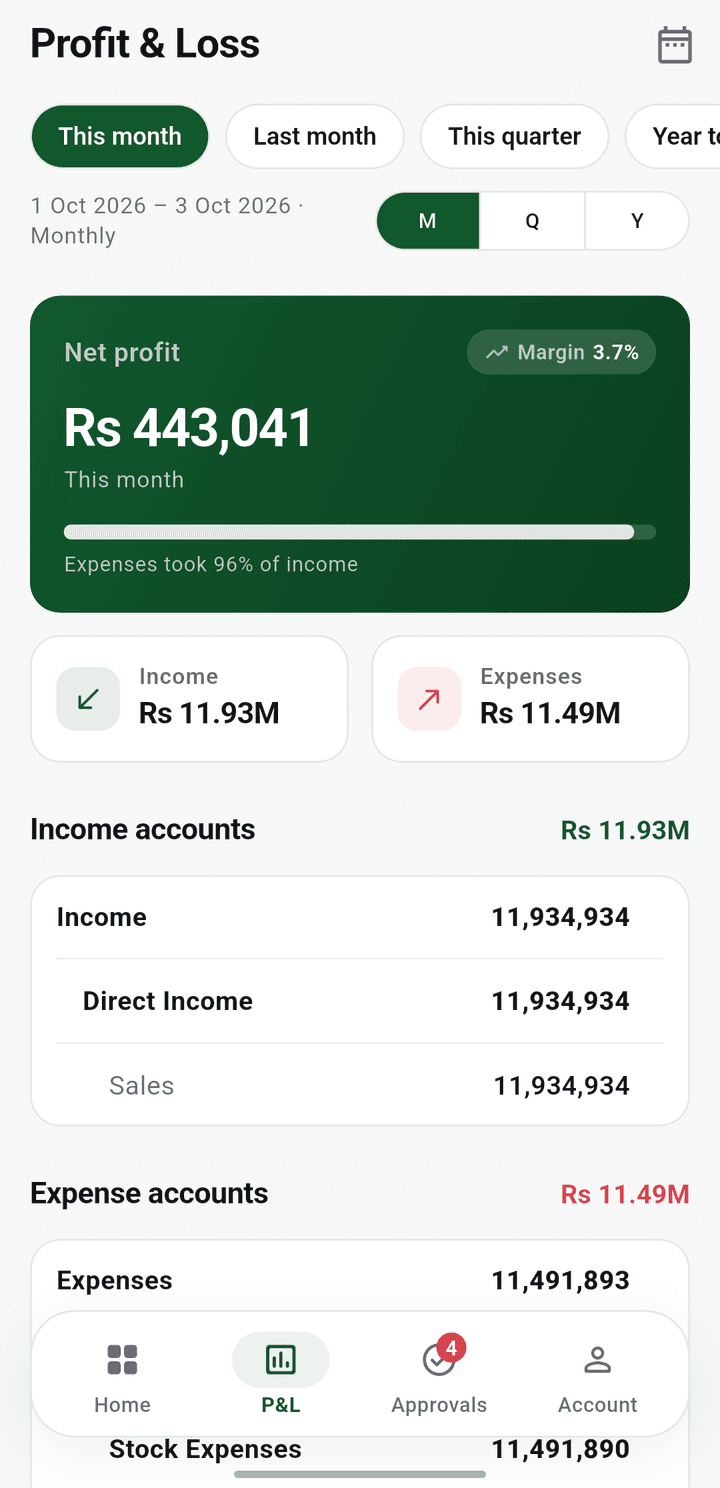
Profit, any period
Net profit and margin for this month, last month, the quarter or dates you choose, with the income and expense accounts behind the figure.
- Net profit and margin up front
- Income and expenses, account by account
- Monthly, quarterly or yearly in one tap
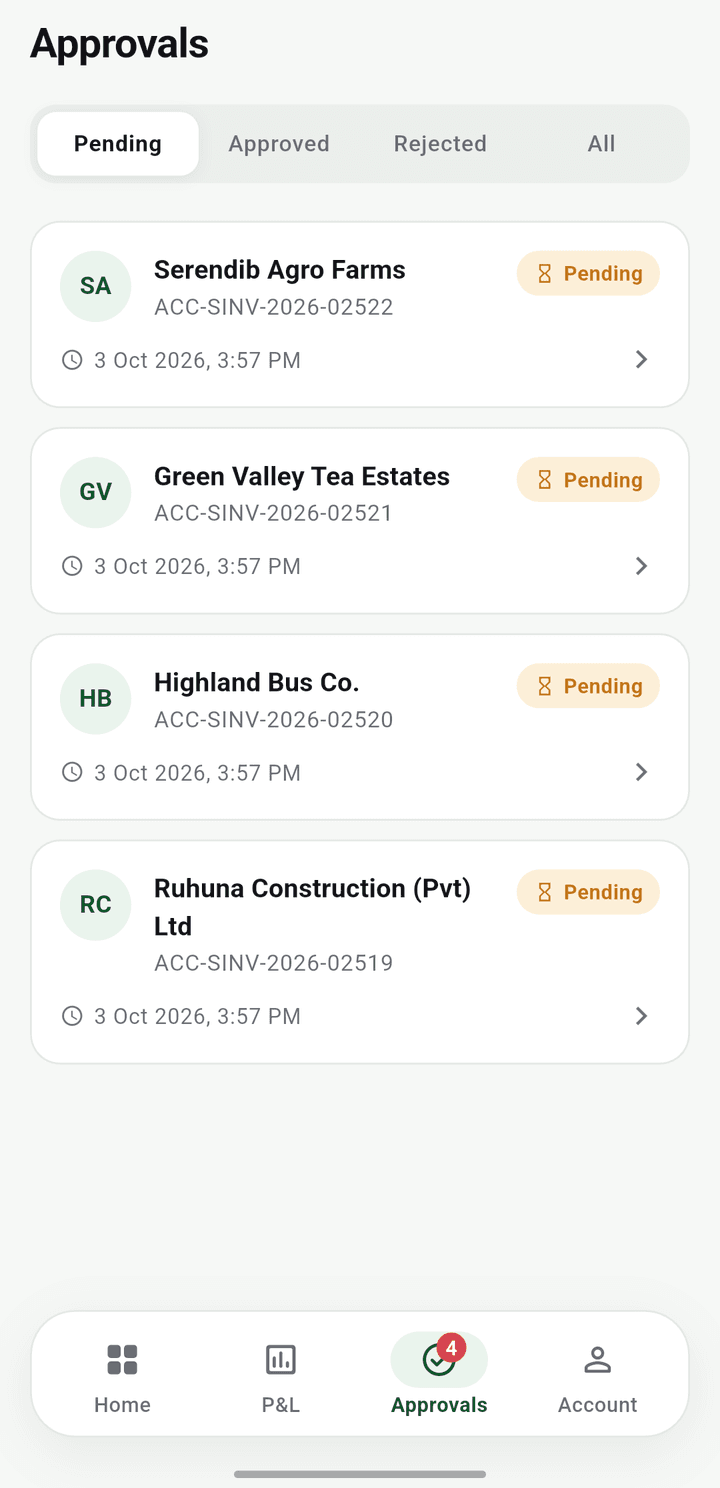
Approvals, wherever you are
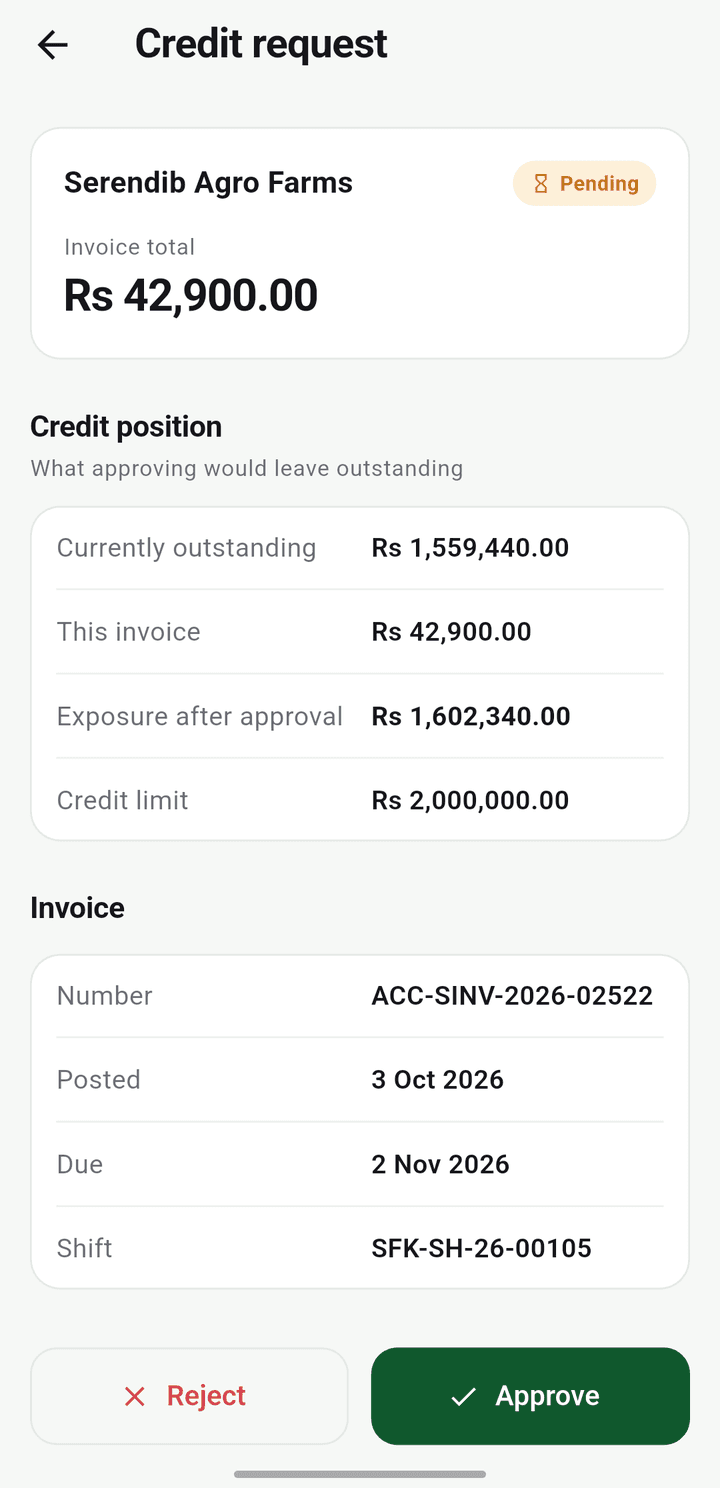
When a credit sale needs your say, it comes to your phone with the customer's position beside it. Approve it and the forecourt carries on.
- Credit requests waiting on you, in one list
- The customer's balance and limit next to each request
- Approve or decline, from anywhere
Sign in
Scan a code and you are in
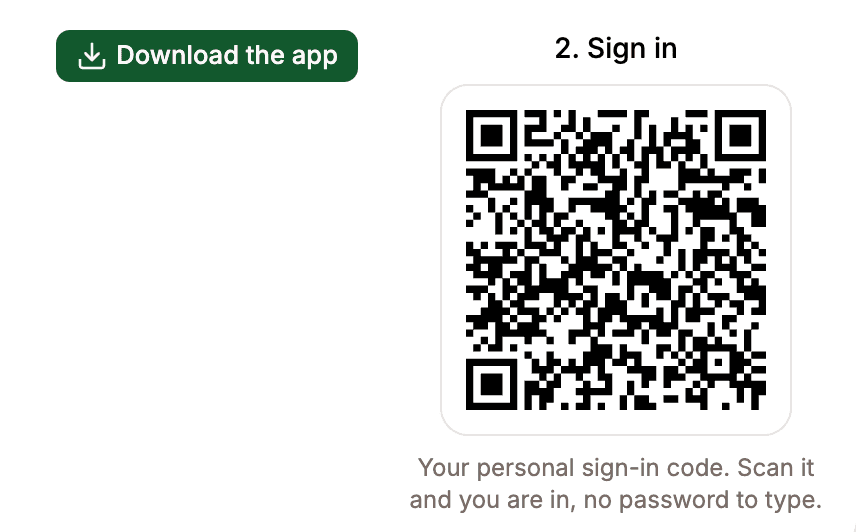
Your Petro site shows a personal sign-in code. Point your phone at it and the app opens on your station. No password to type, nothing to remember.
- 1Open Petro mobile app on the overview of your station's Petro site.
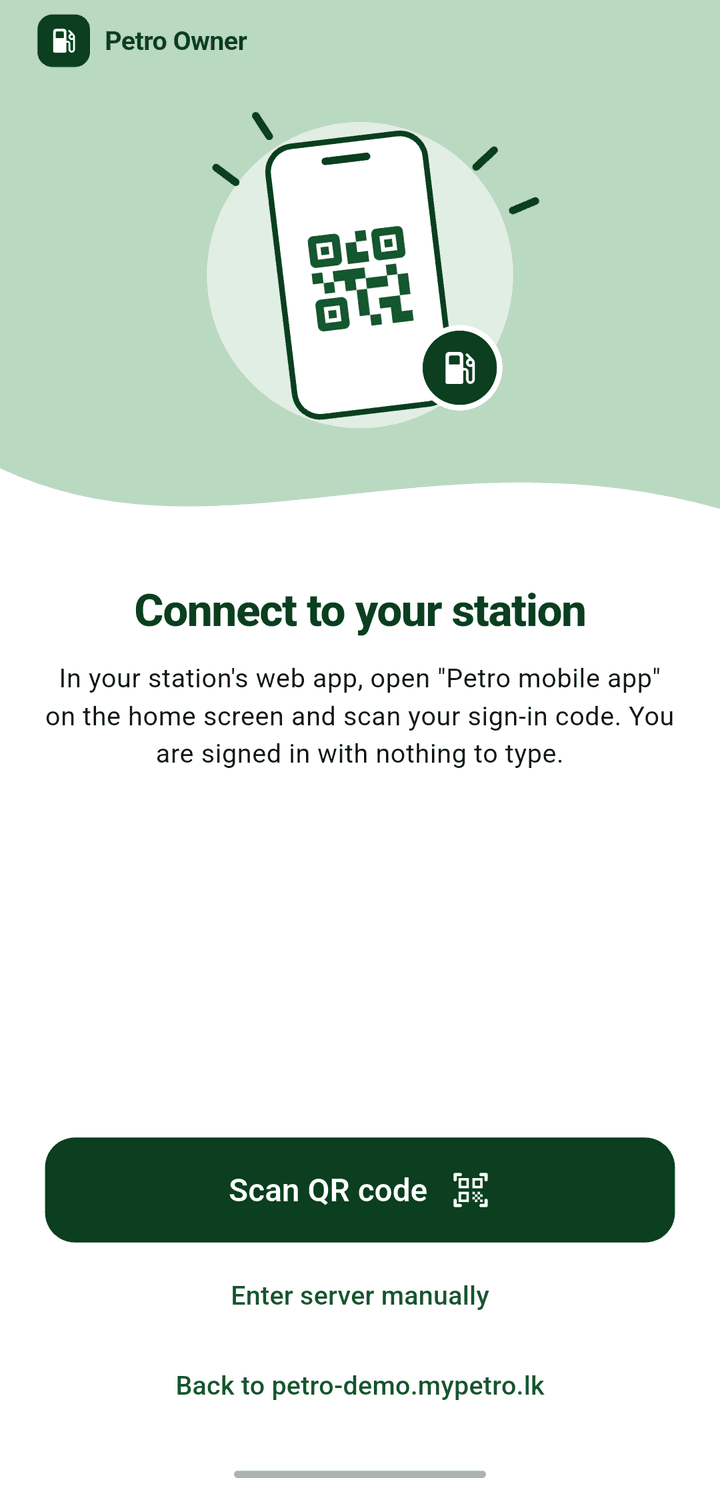
- 2In the app, tap Scan QR code.
- 3Point your phone at the code on the screen. You are signed in.
Get the app
It is waiting on your station's site
Petro Owner comes with your station. Owners and station managers choose who on the team uses it, and each person signs in with their own code.
Already with Petro
Three steps, a couple of minutes.
- 1Sign in to your station's Petro site, the same address you use every day.
- 2Open Petro mobile app at the top of the overview and download the app to your phone.
- 3Scan your personal code and your station is on your phone.
New to Petro
Start a free trial and your station gets its own Petro site, with the app ready on it. Or ask for a demo and we will show you both on a call.

See Petro running on your own numbers
Tell us how many pumps you run and how you close the day today. We come back with a walkthrough built around your station, not a generic demo tenant.
No obligation. We reply within one working day.